Update
How to Handle Admin UI Updates
This guide outlines how to proceed when updates are available for your Admin UI or DevPortal in the VeeCode platform.
Steps
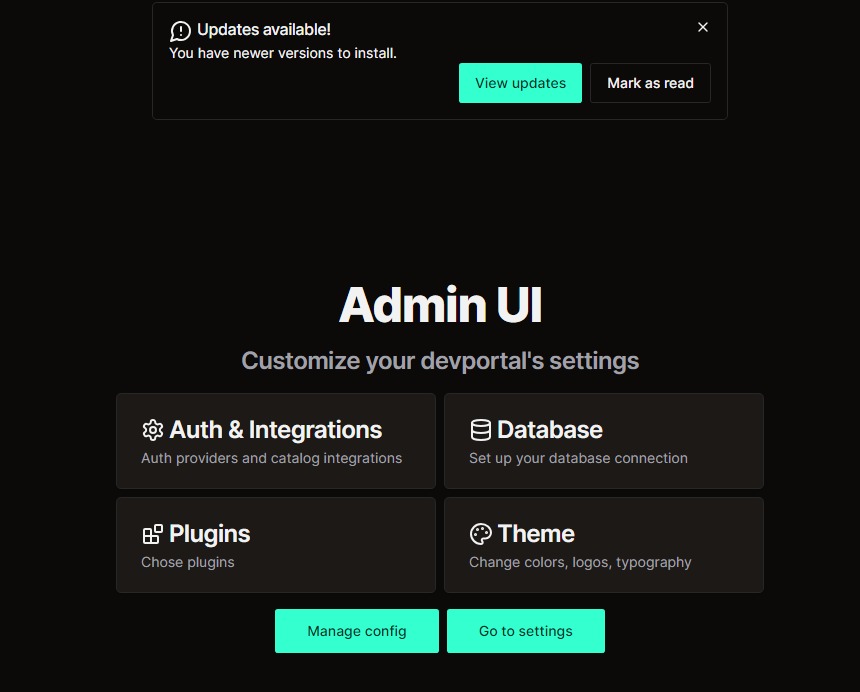
Step 1: Notification of Available Updates
- Check the Home Screen:
- When updates are available, a notification will appear on your home screen.
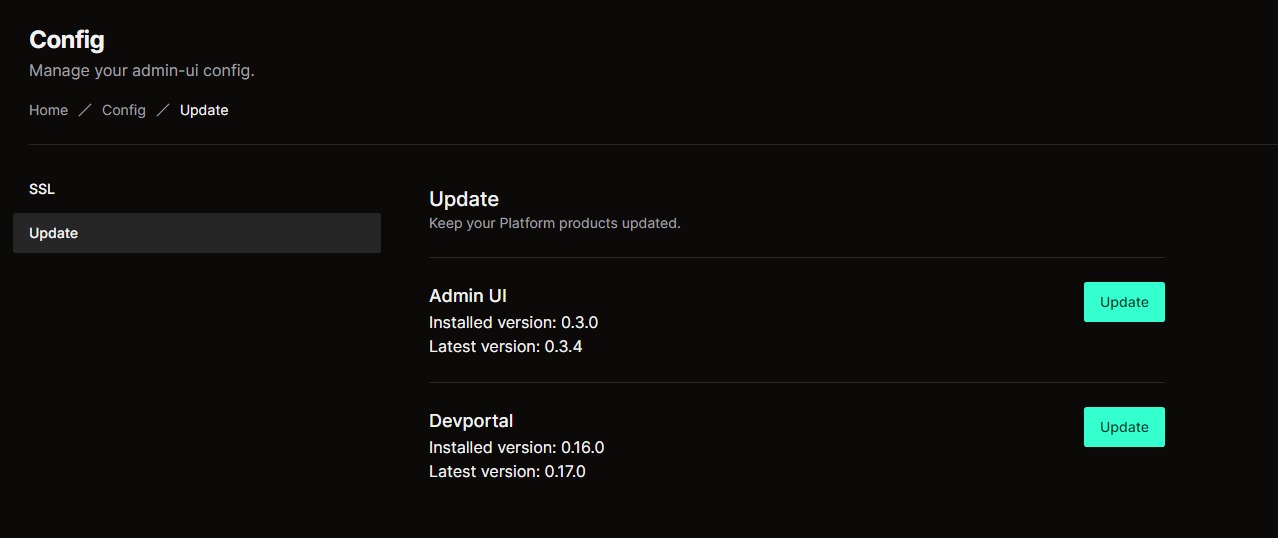
Step 2: Choose What to Update
- Update Options:
- You can choose between updating your Admin UI Helm values or your DevPortal.
- Select the appropriate option based on what part of the platform requires the update.
Step 3: Proceed with the Update
- Follow the Prompt:
- Once you have selected which component to update, follow the steps in the UI to apply the update.
Was this helpful?